Photos are harder to keep private than text. A single image carries a location, a timestamp, device details, and sometimes a face. When you send it through a normal chat app or email, it is usually compressed, backed up, and stored on someone else's server before the recipient even opens it. If you want to share a photo without exposing the original file — or the metadata inside it — you have to encrypt it yourself before sending.
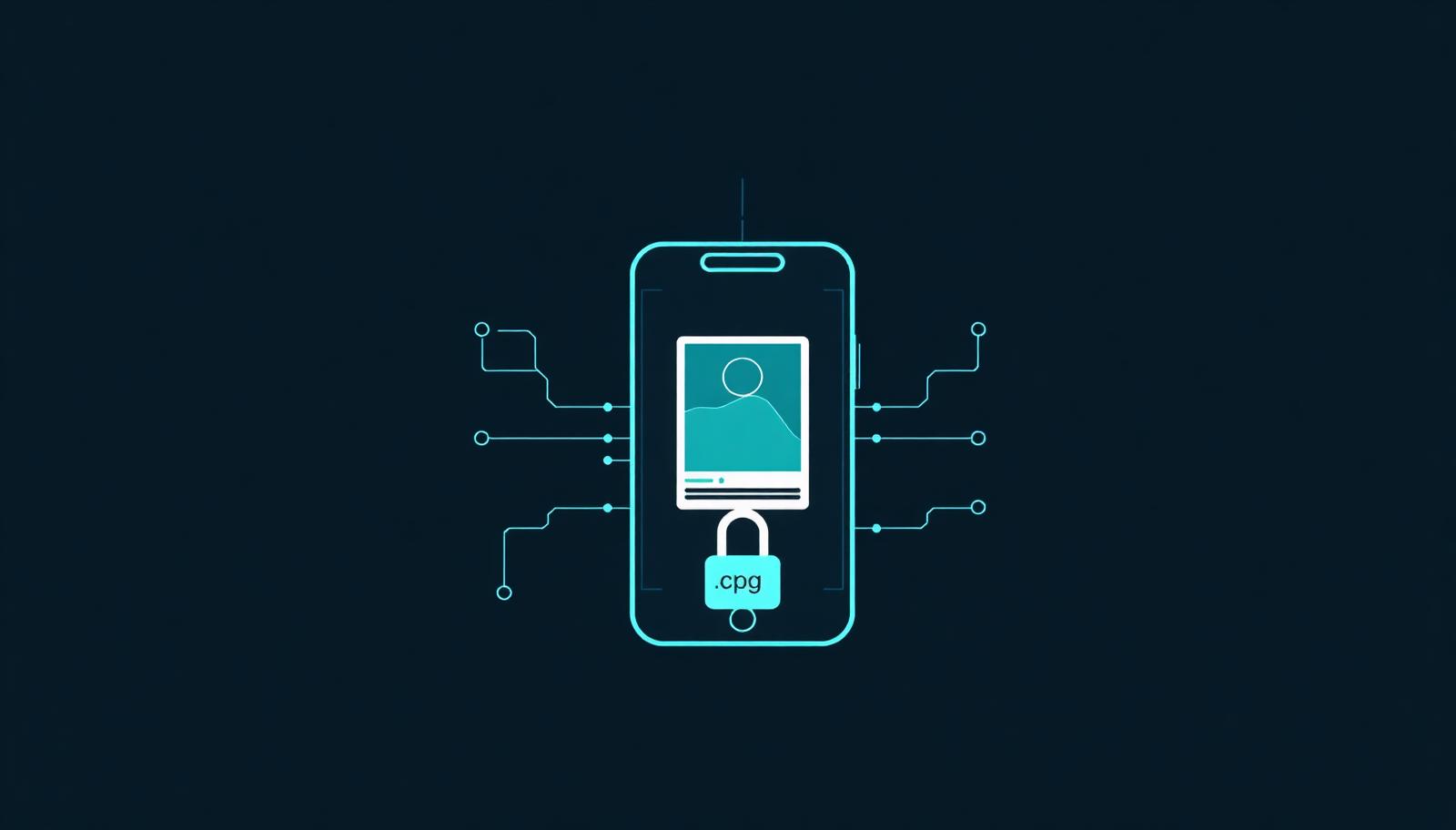
CipherPigeon now turns any image into a small encrypted .cpg file. The process is the same as the text cipher: pick a passphrase, encrypt on your device, and share the output through any app. The carrier only sees ciphertext. The recipient decrypts it with the same key. Nothing is uploaded to a server, and the original file never leaves your phone in a readable form.
Why encrypt photos before sending?
- Cloud backups: Many messengers automatically save images to cloud storage or galleries. Encryption makes the backup useless without the key.
- Metadata: A raw photo can reveal where and when it was taken. A .cpg file strips that context from the visible payload.
- Forward control: Even if someone forwards the encrypted file, they cannot open it without the passphrase you shared out of band.
How to encrypt a photo on iPhone
- Open CipherPigeon and switch to the image mode.
- Select the photo from your library or take a new one.
- Enter the passphrase you agreed on with your recipient.
- Tap encrypt. The app produces a .cpg file saved locally on your device.
- Share the .cpg file through AirDrop, Messages, Mail, WhatsApp, or any other app.
How to encrypt a photo on Android
- Open CipherPigeon and choose the image option.
- Pick the image from your gallery or camera.
- Enter the same passphrase your recipient will use to decrypt.
- Tap encrypt to create the .cpg file.
- Share it through Google Messages, Gmail, Telegram, or any file-sharing app.
How the recipient decrypts it
Your recipient opens the .cpg file in CipherPigeon, enters the passphrase, and taps decrypt. The original image is reconstructed on their device. If the passphrase is wrong, the file stays unreadable. There is no reset, no cloud recovery, and no third party that can help — which is exactly the point.
What makes .cpg files portable
A .cpg file is a small encrypted container. Because it is a single file, it travels through the same channels as any other image, document, or attachment. You can email it, upload it to a file host, drop it in a group chat, or save it on a USB stick. The channel does not matter. Only the key matters.
Practical tips
- Share the passphrase through a different channel than the .cpg file.
- Rotate keys regularly for ongoing photo exchanges.
- Delete the unencrypted original from your device if you no longer need it.
- For extra protection, send the .cpg file through an end-to-end encrypted messenger.
That is the full workflow. One encrypted file, any app, zero cloud exposure. CipherPigeon treats images the same way it treats text: as data that belongs to you and your recipient, and no one else.